What is GeeLark?
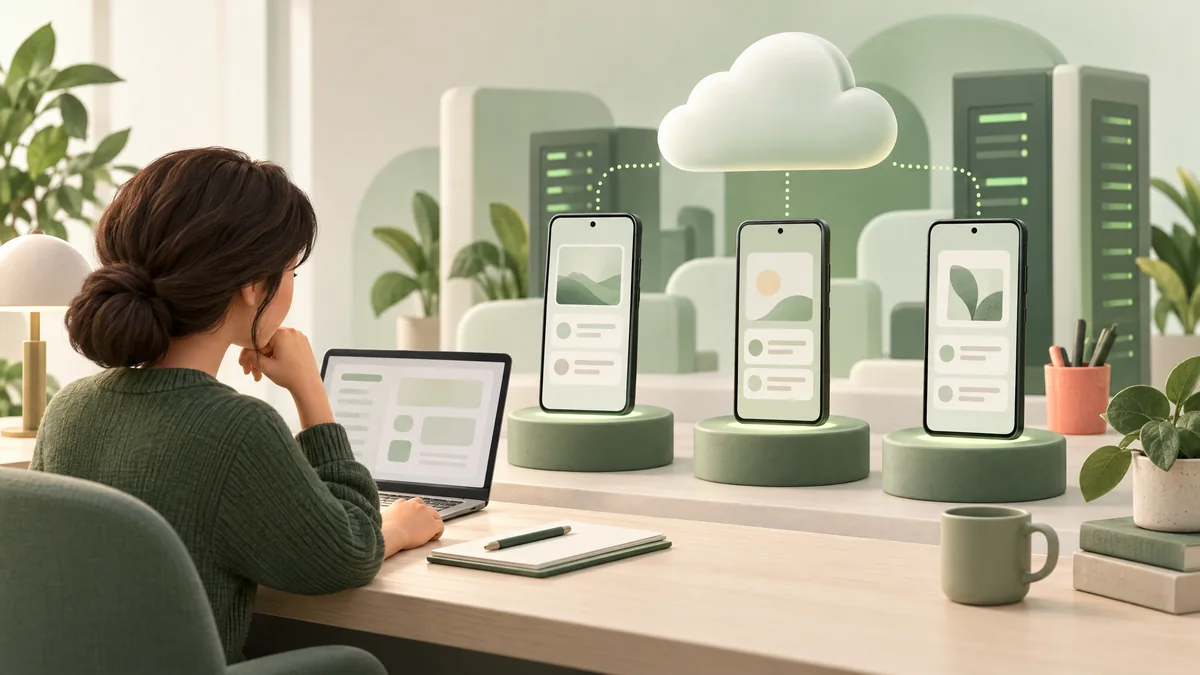
GeeLark is best understood as a cloud-phone and account-workflow platform, not simply an AI writing app. Its product page describes cloud phones as Android environments hosted remotely, which can be accessed from a computer and managed in a shared workspace. The provider also advertises browser profiles, proxy settings, automation, team permissions and AI content tools.
A cloud phone is different from a browser profile: it is intended for native Android apps. It is also different from an Android emulator running locally on your computer. Those distinctions describe the technical setup; they do not guarantee that a social network will permit a particular account configuration or workflow.
How the cloud-phone workflow works
- Create a workspace and choose a plan. The number of profiles, seats, included minutes and available features varies by plan.
- Set up an Android cloud phone. GeeLark says each phone runs as a separate remotely accessible environment where mobile apps can be installed.
- Organize permitted work. Teams can use the dashboard, roles and scheduling features for accounts they are authorized to manage. Confirm the target app's rules before automating any action.
- Track actual usage. Check the time consumed, add-ons, proxy charges and renewal terms in the account before scaling a workflow.
GeeLark's product descriptions and examples are provider claims. We have not independently tested device performance, app compatibility, uptime, isolation, regional availability or security controls.
GeeLark pricing: separate the plan from phone usage
The official pricing page lists a $0 Free plan with up to 2 profiles and 1 seat. Base and Pro plans add different profile limits, bonus minutes and features; the exact subscription total can change with the selected billing period and profile quantity. The page also lists cloud-phone use at a default rate of $0.007 per minute and describes monthly rentals, parallel capacity and time add-ons as other ways usage can be priced. Its pricing FAQ says paid subscribers have a daily cap of $1.20 per device for per-minute cloud-phone usage; confirm eligibility and current terms on the live page.
So “free plan” should not be read as unlimited free phone time. Before committing, estimate the number of devices, active minutes, parallel phones, included bonus time, proxy costs, taxes and renewal period. Use the live GeeLark pricing page for the price shown to your account, because plans and rates can change.
Privacy and account security: questions to ask first
GeeLark's privacy policy says it may receive your name, phone number and shortened payment information (the last four digits of a card) from payment service providers. It also says payment details are entered directly on the provider's secure page and are not taken by GeeLark at the point of payment. The policy covers account email, website usage data and support communications, and says personal data is kept for as long as needed to provide the service, subject to applicable legal time limits. Its Terms of Service advise users not to post or store personal or confidential information in a Personal Account or on the Website.
Those statements do not answer every question about app data, device backups, logs, support access or deletion inside each cloud phone. If you plan to use client or business accounts, ask GeeLark what persists after a phone is stopped or deleted, who can access device data, how access is logged, where relevant data is processed and how to revoke teammate access. Do not put credentials or sensitive customer data into a workflow until you understand the applicable terms.
- Use unique, strong credentials and enable available account protections.
- Grant each teammate only the permissions needed for their role; remove access when it is no longer required.
- Start with non-sensitive test data and review the privacy policy and service terms directly.
Platform rules and responsible automation
GeeLark's Terms of Service make the customer responsible for lawful use and compliance with applicable laws and other contractual terms. Social platforms have their own rules for account access, automation, content, messaging and engagement. A cloud phone does not override those rules or guarantee that an account will avoid restrictions.
Use automation only for actions the account owner and platform permit. Do not use any tool to send spam, create fake engagement, impersonate people, evade a ban, or bypass identity or security checks. When in doubt, use the platform's native tools or ask its support team about the specific workflow.
Refund terms are narrow
GeeLark's published Refund Policy describes a 14-day refund window for specified service problems, including a purchased server becoming unavailable without replacement or a confirmed failure to connect to/access the purchased IP or server. The policy excludes fees and requires contact with support; it is not a general “try it for 14 days and get a refund for any reason” promise. Read the live policy before paying.
Who may find GeeLark useful?
It may be worth evaluating for a team that legitimately needs remote Android environments, shared access and repeatable mobile-app workflows. It may be unnecessary for an individual managing one account occasionally, and it may not fit organizations that require a specific data-residency guarantee, independently audited security controls, a particular app/device configuration or a direct support commitment.
A sensible trial is small: compare the actual monthly plan and minute cost against your current setup, test one authorized workflow, review access controls, then check the app's rules and the service's data terms before adding more accounts or teammates.
Frequently asked questions
Is GeeLark free?
The pricing page lists a $0 plan with 2 profiles and 1 seat. Cloud-phone use is separately listed at a default per-minute rate, so confirm the included minutes and any usage charges before starting.
How much does a GeeLark cloud phone cost?
The provider currently lists a default rate of $0.007 per minute. Monthly rentals, parallel capacity, plan-included minutes and time add-ons can change the total; check your account's live pricing before estimating a project.
Is a GeeLark cloud phone the same as an Android emulator?
No. GeeLark describes its cloud phone as a remotely hosted Android environment, while a typical emulator runs on a local device. Check the product requirements and app compatibility for your own use case.
Does the invitation code guarantee a discount?
No discount for the supplied code was verified. GeeLark's affiliate page describes commissions for affiliates, but that does not establish a user discount or prove that this particular code is registered. Check the final terms during signup.
Is GeeLark safe for social media accounts?
No platform can guarantee that an account or workflow will be accepted by a third-party social network. Review both providers' rules, protect account credentials, limit permissions and avoid spam, fake engagement or enforcement evasion.
Explore GeeLark
Review the provider's product, current pricing, privacy policy and terms. Confirm app compatibility and any signup offer before connecting accounts or paying.
Open the GeeLark invitation link →