What is Blink.new?
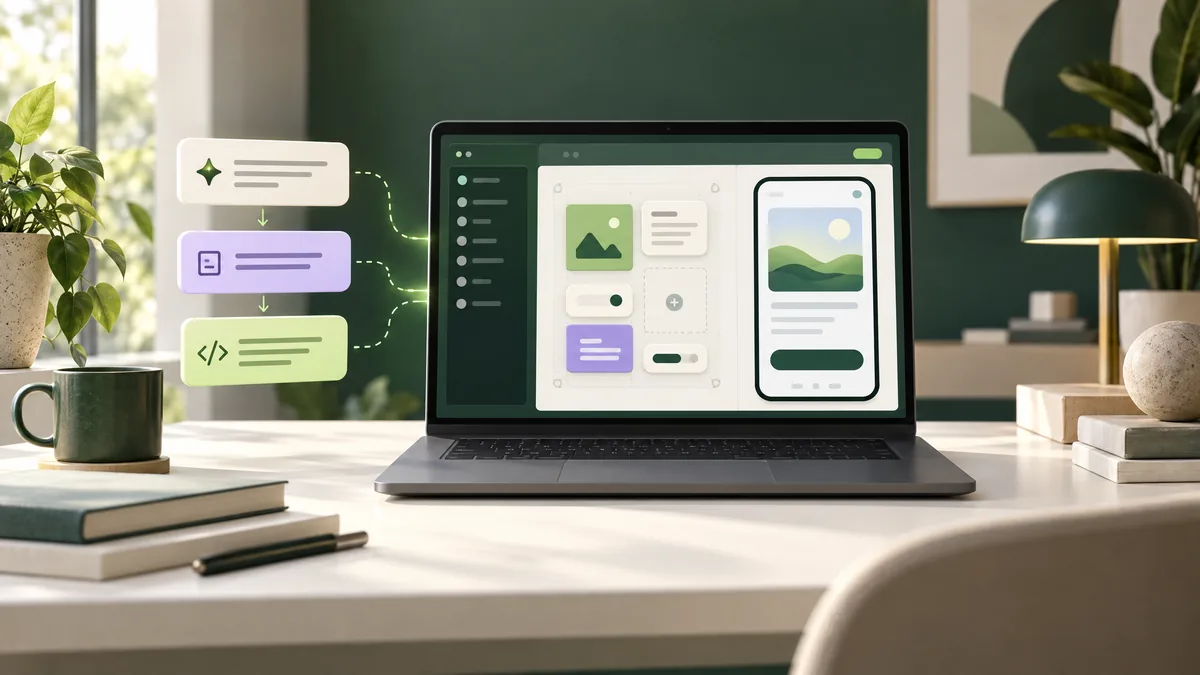
Blink is an AI app builder for creating web apps, websites, native mobile apps and AI agents from natural-language instructions. Its product overview says it can generate the project code and provide built-in services such as a database, sign-in, payments and hosting. That bundled approach can make it quicker to test an idea without assembling several separate services first.
The distinction to keep in mind is that a generated preview is a starting point, not proof that a product is secure, reliable or ready for customers. Treat the output as software you still need to inspect and test.
How the Blink AI app builder works
You describe the software you want, review the generated project in Blink, then ask for specific changes. The product supports several project types, including full-stack web apps, websites and mobile apps. Its templates can help start common projects, while the code and version-history features give you ways to inspect or roll back work.
Blink advertises a built-in SQL database and sign-in with role controls; payments can be connected through Stripe. The available hosting, domain, code-download and integration options depend on the plan. For a mobile app, Blink says you can test with Expo Go; publishing and app signing for the App Store or Google Play are listed on the Max plan, with the user responsible for submitting the app for review.
Plans, credits and costs
Blink uses credits for AI work, and the amount used depends on the request. Its live pricing page currently lists Free at $0 per month, Starter at $25, Pro at $50, Max from $200, and Business from $40 per month (USD, displayed monthly billing). The page also advertises 50% savings for annual billing. Confirm the current price and billing period directly before subscribing.
- Free: five daily refresh credits, capped at 30 per month; public projects and a Blink-hosted live address.
- Paid plans: add a monthly plan-credit allocation and five daily refresh credits; paid tiers differ in privacy, hosting, custom domains, code tools and team features.
- Usage: larger or more complex build requests can use more credits. Production hosting can also consume credits, so estimate ongoing use rather than looking only at the subscription price.
Credit rules and plan features can change. Check the current Blink pricing page for the exact allowance, renewal behavior and what happens if credits run out.
Who might find Blink useful?
Blink may suit a founder validating a small SaaS concept, a small business prototyping an internal tool, or a developer who wants an AI-assisted first draft with backend pieces in one workspace. It is less compelling if you need complete control of infrastructure from day one, have strict compliance requirements, or cannot review generated code before release.
If you are comparing other prompt-based builders, see our guides to Bolt.new and Lovable. Compare the actual deployment, code access, privacy and usage limits for your project rather than relying on a single feature list.
Checks before you publish
- Test the important paths: sign-up, password recovery, payments, permissions and error states—not only the happy-path preview.
- Review access rules: confirm that a user can only see or edit records they are allowed to. Check database policies and role permissions with test accounts.
- Protect secrets: use the platform’s supported secret settings; do not paste API keys or customer credentials into prompts or public files.
- Plan for operations: verify the custom-domain, hosting, backup, export and support options on the plan you intend to use. Keep an independent code copy where possible.
- Check terms and privacy: understand how project data, uploaded files and connected services are handled before using real customer information.
Trade-offs and realistic expectations
Prompt-built software can speed up the first draft, but follow-up work still matters: clarifying requirements, fixing edge cases, testing on different devices, checking security and maintaining the app. Credit use can be hard to predict for open-ended requests, and production hosting or custom domains may introduce additional credit costs or plan requirements.
Start with a low-risk prototype and synthetic data. Before using the app for payments, personal information or essential business operations, have a suitably experienced person review it.
Frequently asked questions
Can I use Blink without coding?
Blink is designed for describing a project and requesting edits in plain language. Coding knowledge is not required to try it, but code review and testing are still important for anything used in production.
Is Blink free?
Blink lists a free plan with five daily refresh credits, up to 30 per month. Projects on the free plan are public, and paid plans add features such as private projects, custom domains and production hosting. Check the live pricing page before relying on any specific limit.
Can Blink publish a mobile app to app stores?
Blink says it can build native iOS and Android apps. Its product page lists App Store and Google Play build/signing on the Max plan; you still need to submit the app to each store and meet its review requirements.
Does Blink-generated code need to be checked?
Yes. A successful build or preview does not establish that the code is secure, accessible or production-ready. Test the app and review its data access, authentication and payment flows before launch.
Reviewed against publicly available provider information on 18 October 2026. Product details, plans and terms can change.
Start with Blink
Review the current plan, project visibility and credit terms before building. This page uses the referral URL supplied by the site owner.
Visit the provider →